
Demo data
Load the built-in demo data to examine CommissionCentral with a realistic configuration. The loader configures the company setup. It also creates sample customers, items, plans, agents, splits, a network, and a manager team. You can then see calculation, splits, and the manager hierarchy work immediately.
Sandbox only. Demo data loads only in a sandbox environment, not in production. The loader is idempotent — a second run does not create duplicates.
Load it
Open the Commission Setup card in a sandbox that has no configuration — that is, the setup record does not exist. The app then offers to load the demo data. Confirm the prompt to create it.
If you already configured the setup, the offer does not show. This prevents demo data on top of real configuration.
What it creates
| Category | Sample records |
|---|---|
| Commission Setup | The company setup record, configured: commissions enabled, a TRIAL license stored, demo G/L accrual and expense accounts, the COMM-PAYJ payment journal, an On Posting trigger, a Percent of Sales default method, and the draw / networks / manager-hierarchy feature toggles all on. |
| Customers & items | Sample customers, and (non-inventory) items in a demo item category. Assignments and the sales you post then point to real masters. |
| Commission plans | Three plans — a flat per-unit plan, a percent-of-sales plan (with a rate-matrix row), and a tiered plan (with a two-band tier set). The loader also creates the inactive DEFAULT plan, which has one wildcard rule at 0%. |
| Salespeople / agents | Three agents that cover the agent types — an internal employee, an external vendor, and a manager. |
| Agent assignments | A customer split (60 / 40) and a network-driven assignment template (70 / 30). |
| Manager team | A manager-and-member relation, so manager-hierarchy commission entries show. |
The loader posts no sample sales documents. Posting needs company-specific posting setup, and it is not idempotent. To see commission entries, post a sales document against one of the demo customers and agents. You can also follow your first commission.
Cleaning up
Demo data is ordinary configuration data. Remove a plan, an agent, or an assignment through its page when you no longer want it. The loader is idempotent and limited to sandboxes, so there is no separate “unload” step.
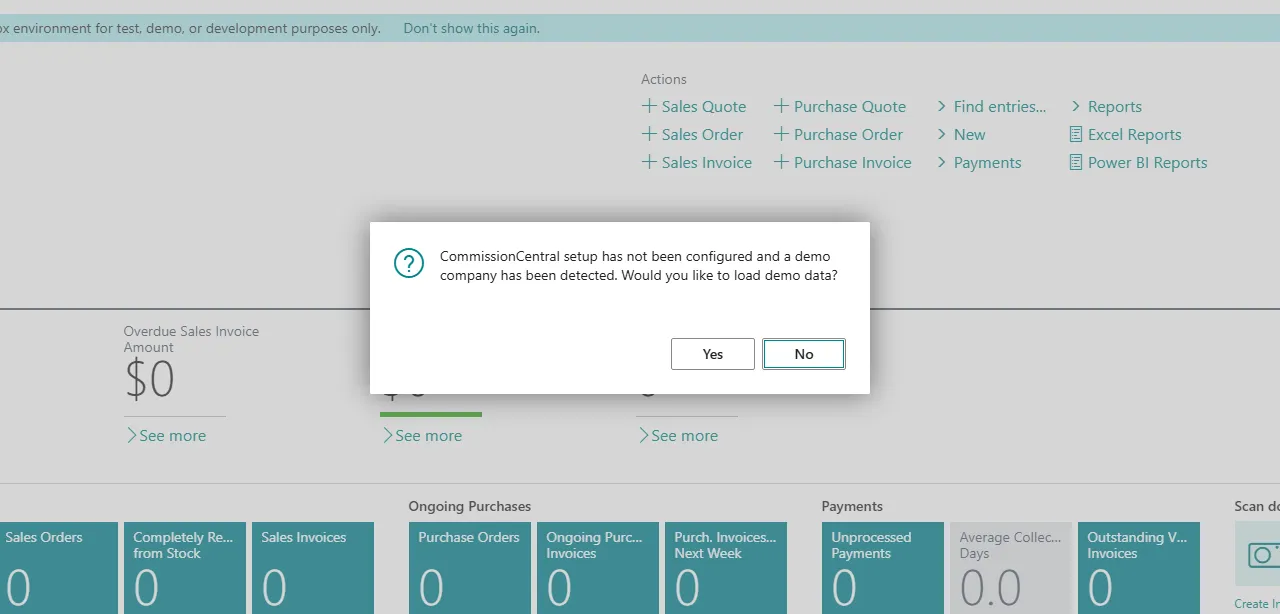 Figure: the demo-data prompt on first open of Commission Setup in a sandbox.
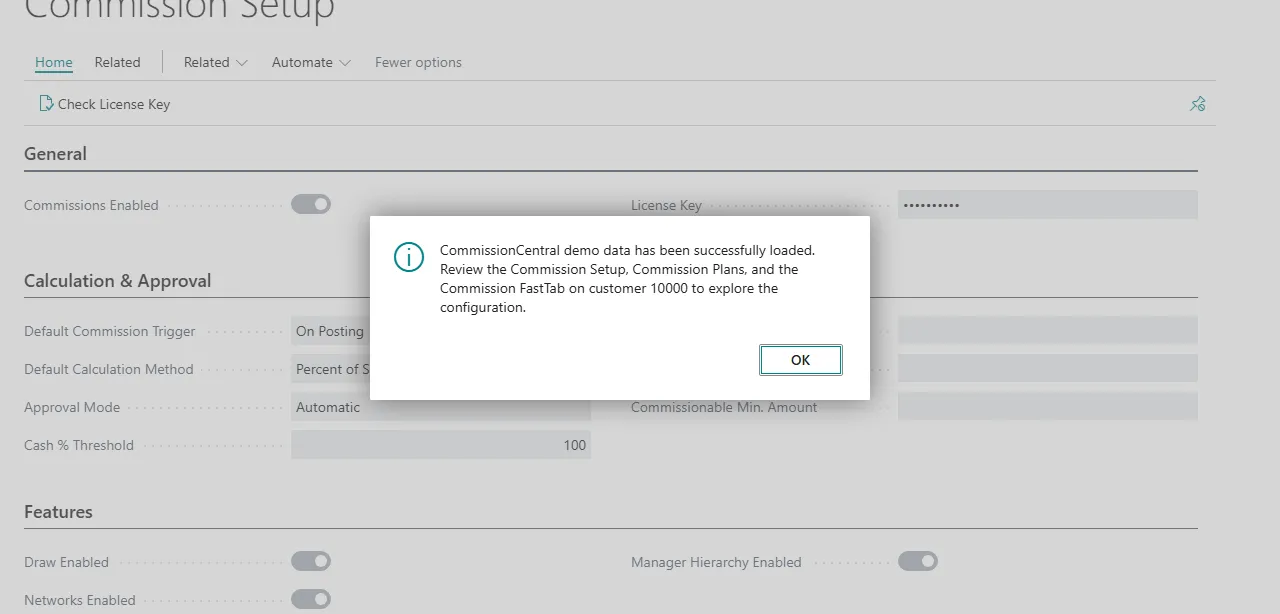 Figure: the message shown after the demo data loads.